Most problems at a conference are not technical failures. They are small things nobody decided in advance: which laptop runs the slides, who has the clicker, whether the panel needs one microphone each. A little planning removes nearly all of them.
Microphones for every speaker
Keynote speakers who move around the stage should wear a headset or lapel microphone. Panels need one microphone per person; sharing a handheld slows everything down. Audience questions need a handheld runner or a microphone on a stand in the aisle.
Send us the agenda and we count the microphones for each session.
Screens, slides and laptops
Decide early whether presenters use their own laptops or send slides to one show computer. A single show computer is far more reliable. Ask everyone for slides in the same aspect ratio, usually 16 by 9, and a day before the event.
For rooms over a hundred people, we recommend two screens on either side of the stage and a confidence monitor at the front so speakers can see their slides without turning around.
Breakout rooms
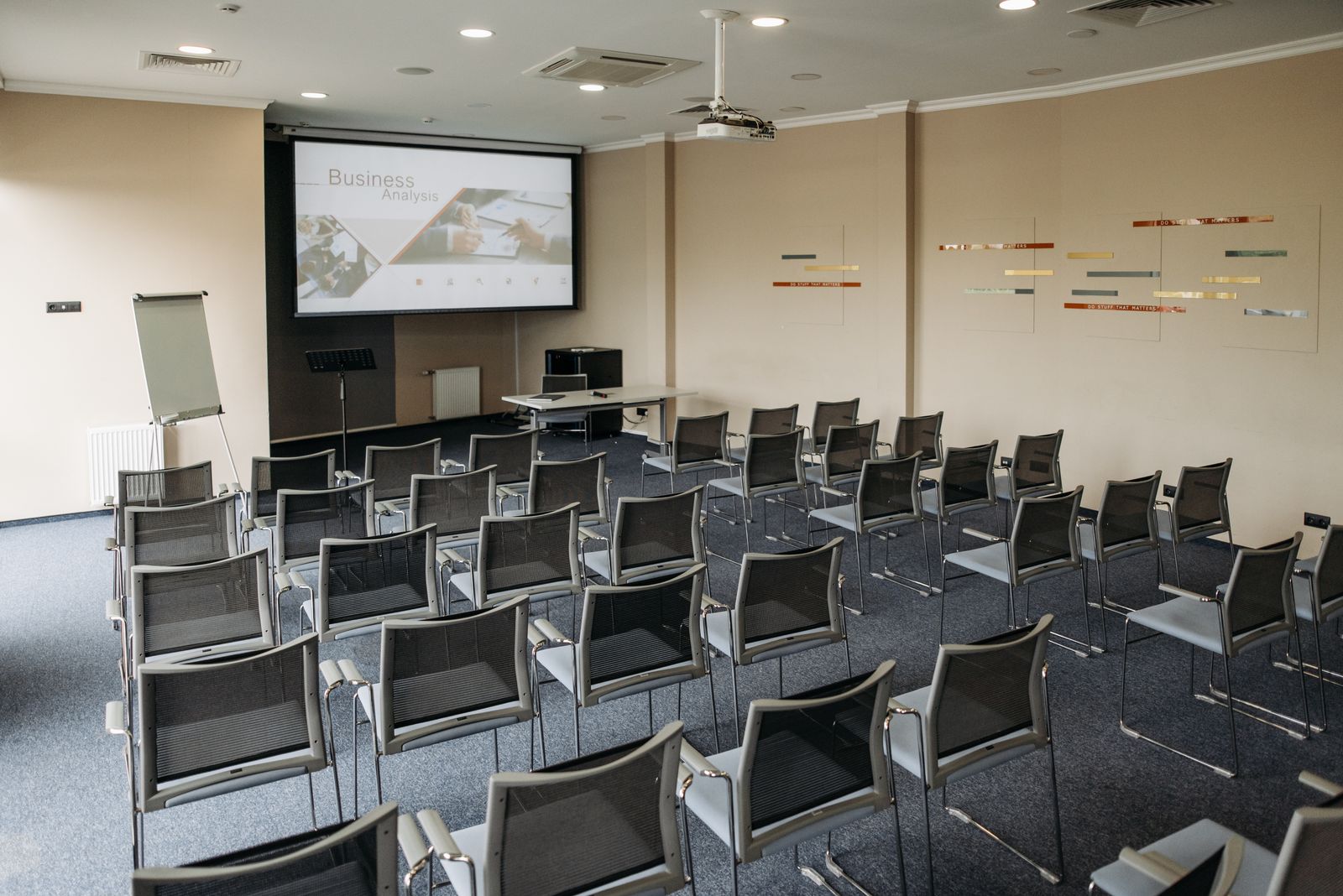
Each breakout room needs its own small PA if it holds more than about thirty people, plus a projector or screen. We label every room’s kit and leave a one-page guide on the table.
Plan a short changeover between sessions, ideally ten minutes. It gives the technician time to swap microphones, check the next deck and reset the room without rushing the speaker who comes next.
A technician in the room
Our Conference AV service always includes a technician for the main room. For multi-room events, a second technician moves between breakouts. Pricing starts at $750 per room per day, including delivery, setup and pack-down.
On the morning of the event, give the technician thirty minutes with each presenter. A quick microphone fit and a run through the first slides catches almost every problem before the audience arrives.