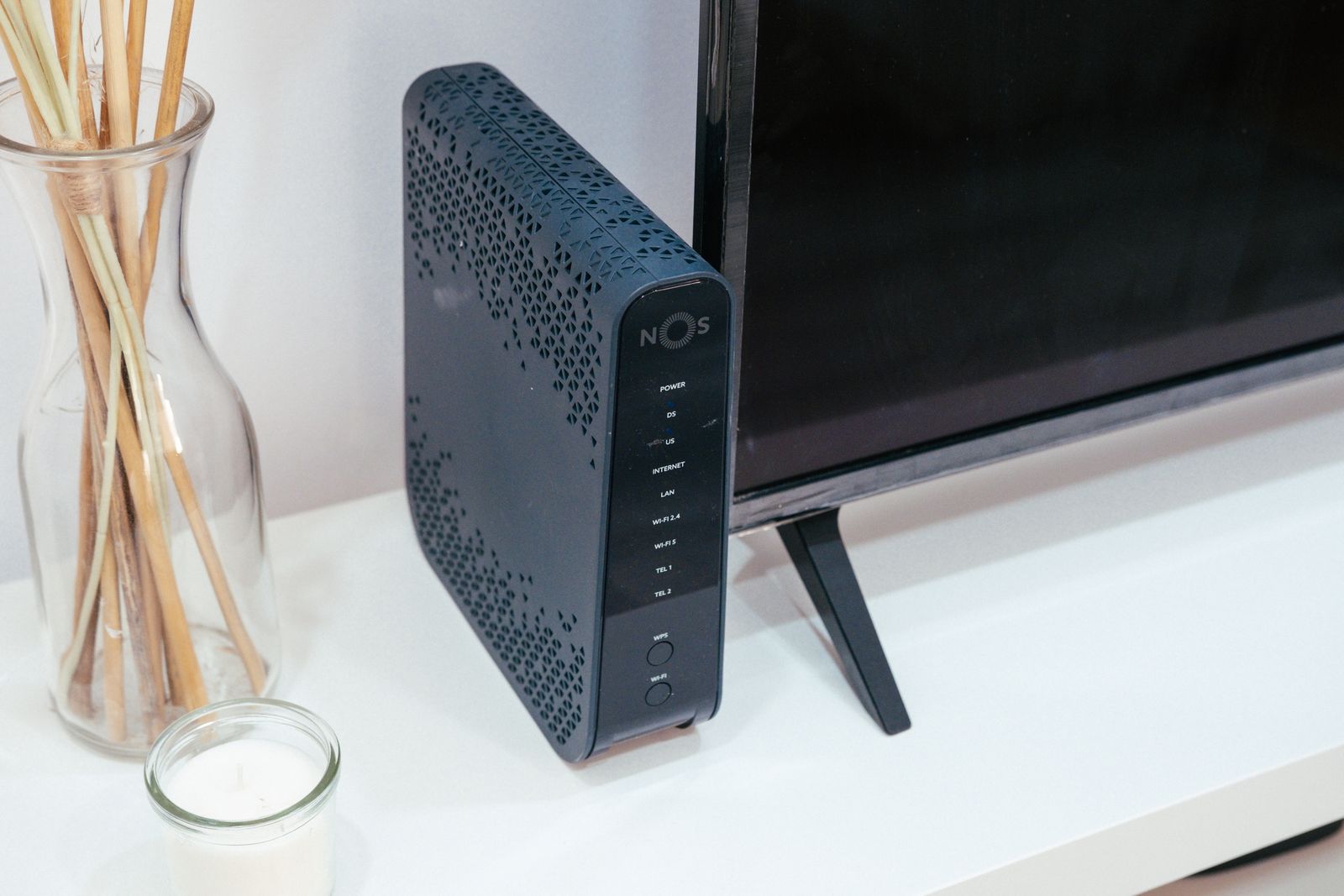
When customers book a home visit for slow Wi-Fi, the internet plan is rarely the problem. Most of the time the router is in the wrong place: on the floor, behind the television or in a cupboard at one end of the house.
Put it high and central
Wi-Fi spreads out from the router in every direction, and walls, floors and metal all weaken it. Put the router as near the middle of your home as the cable allows, on a shelf rather than the floor, and in the open.
Keep it away from fish tanks, mirrors, microwaves and the back of a television. Water and metal are the worst things for a signal.
Restart it, then update it
Restarting the router once a month clears small faults. While you are there, check it is still getting security updates. A router more than six or seven years old may no longer be updated and may not support newer, faster devices.
When a mesh system helps
In a long or two-storey house, or one with thick plaster walls, one router may never reach everywhere. A mesh system uses two or three small units that work together, so the signal is strong in every room.
A mesh point is better than a cheap extender, which often halves the speed and creates a second network you have to switch between.
Our home Wi-Fi visit
A home visit in Tacoma starts at $95 for the first hour. We test the signal room by room, move or replace the router, set up mesh points if you need them, add a guest network and connect your printer and TV. You get a written note with the network names and passwords, so the next new device takes a minute to connect.