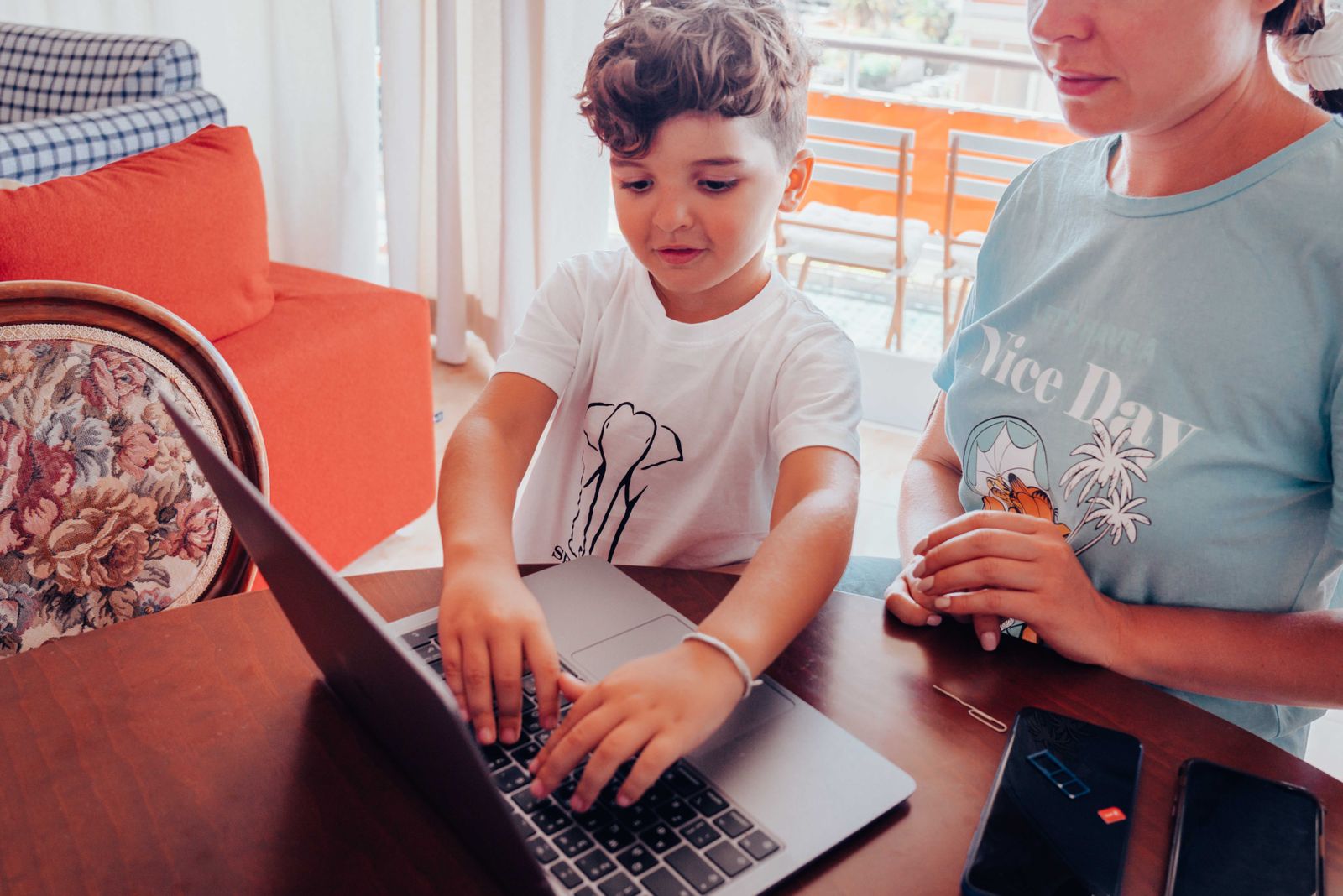
Sooner or later your child will come to you with a project that does not work and a face that says the world has ended. You do not need to know Scratch or Python to help. In fact, parents who cannot code are often the best helpers, because they cannot take over the keyboard.
Ask what it should do
Start with one question: what did you expect to happen, and what happened instead? Saying it out loud often solves the problem by itself. Programmers have a name for this; some of them explain their code to a rubber duck on the desk. You are the duck, and that is an honourable job.
Ask when it last worked
Most bugs arrive with the last change. Ask your child to undo or hide the newest part and run the project again. If it works, the bug is in the new part. If it does not, step back once more. This simple search finds a surprising number of problems.
Read the error together
In Python, the red text at the bottom of the screen looks frightening but is usually helpful. Read the last line together and look at the line number it mentions. A missing bracket or a misspelt name is the cause more often than anything clever.
Know when to stop
Set a limit of about twenty minutes. If the bug is still there, write it down in one sentence and bring it to class. Our instructors love a good bug, and solving it in front of the group teaches everyone.
What matters most is how your child feels about the mistake. A bug is not a failure; it is the normal state of every program while it is being written. Children who learn that early tend to stick with coding for years.