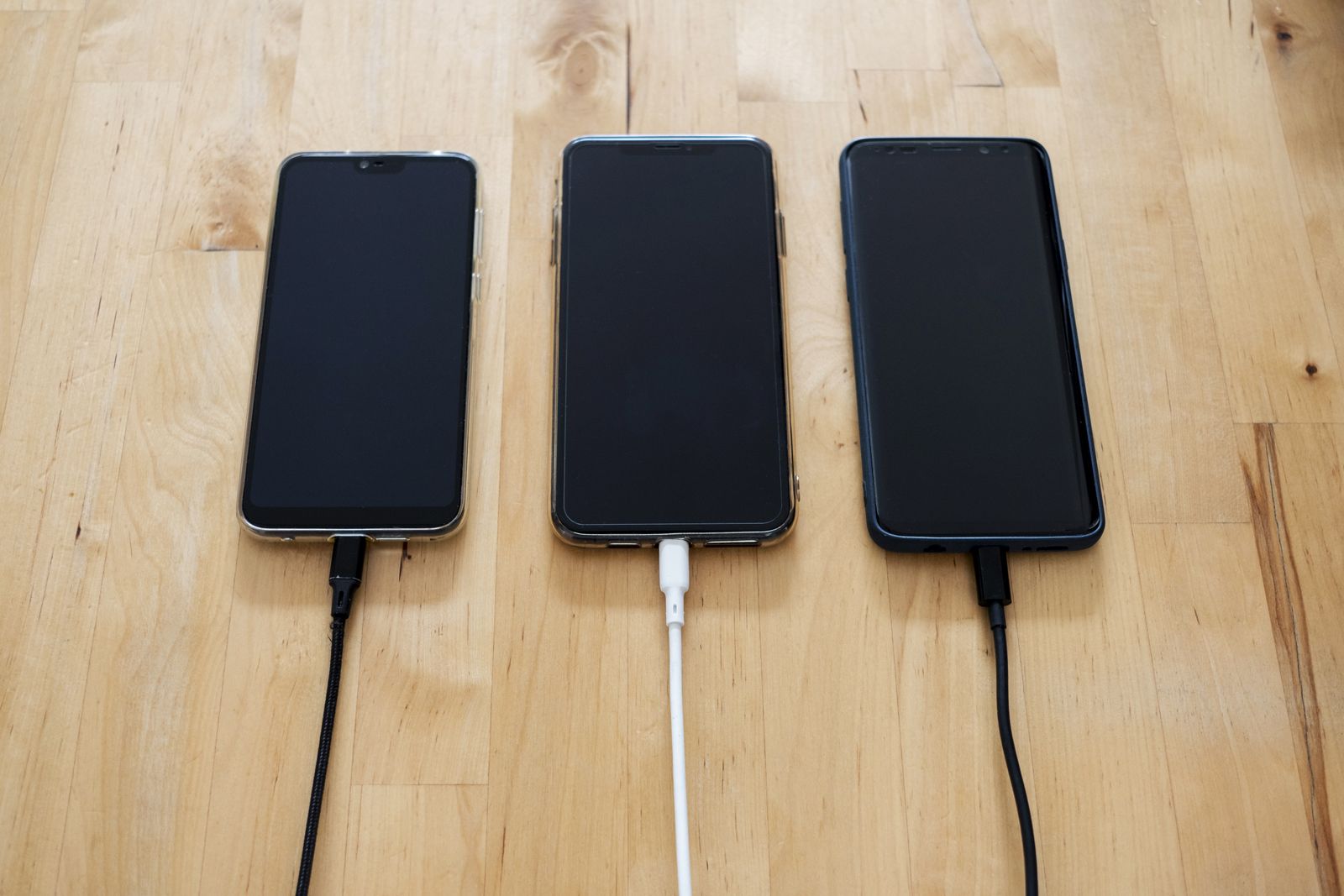
About half of the phones that come to us with a charging problem do not need a repair at all. The port is simply packed with pocket lint, and the cable can no longer push in far enough to make good contact.
The signs of a dirty port
The cable feels loose or wobbly, it only charges at a certain angle, or it does not click in the way it used to. Sometimes the phone shows that it is charging, then stops a few seconds later.
Shine a torch into the port. If you see a grey felt layer at the bottom, that is lint, pressed flat by hundreds of plug-ins.
How to clean it safely
Turn the phone off first. Use a wooden toothpick or a plastic tool and scrape gently along the back wall of the port, away from the contacts. Lint usually comes out in one flat piece.
Never use metal pins, paper clips or compressed air at close range. Metal can short the contacts, and a strong blast of air can push lint deeper.
Rule out the cable and the charger
Try a second cable and a second charger before blaming the phone. Cheap cables wear out at the ends, and a weak charger can make charging feel slow even when the phone is fine.
When the port really is broken
If the port is bent, corroded or the phone still will not charge after a clean, the port needs replacing. On most phones that takes about an hour and starts at $69.
At our counter we clean every port for free before we quote. If the clean fixes it, you pay nothing and leave with a phone that charges.