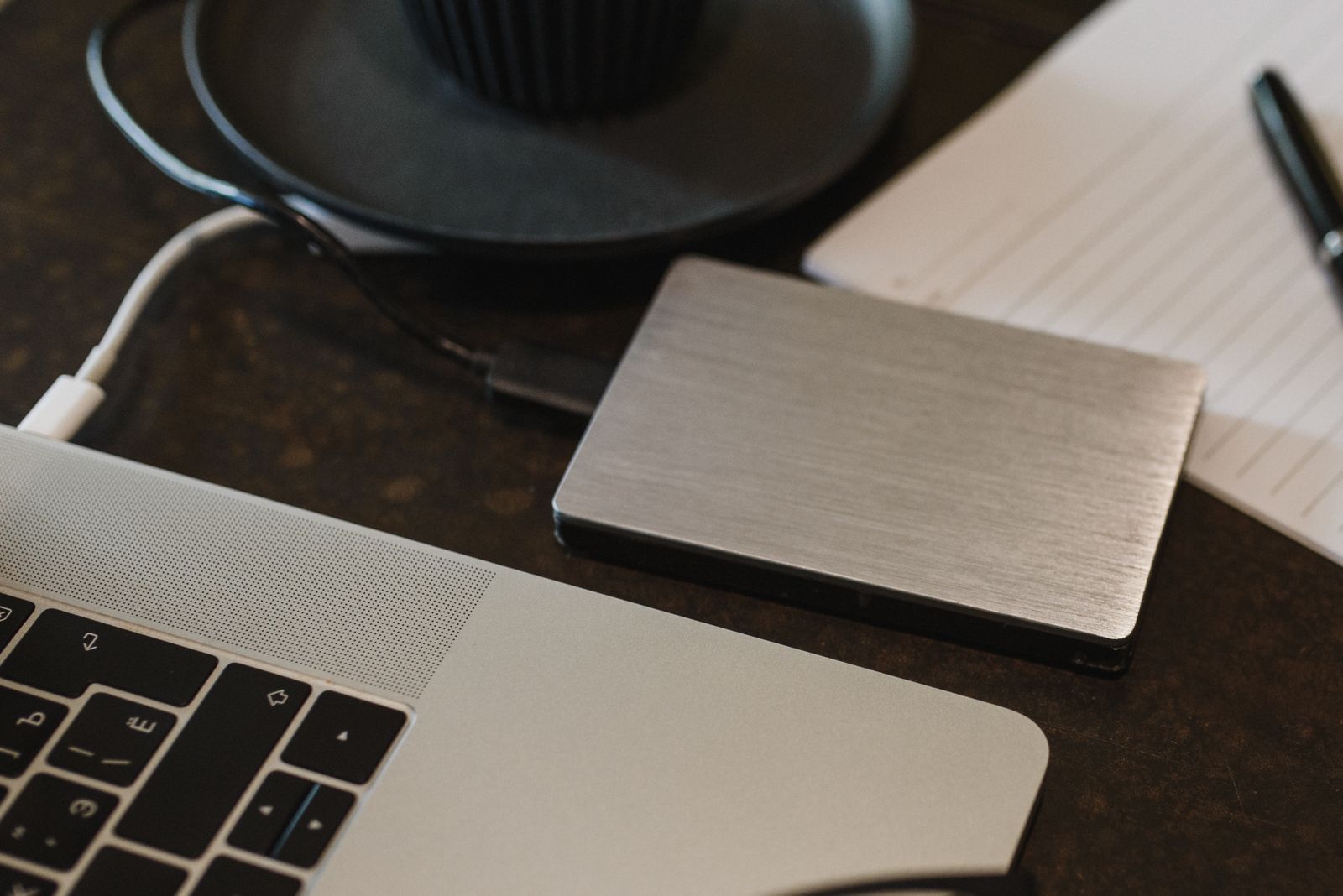
Ask a small office whether it has backups and the answer is almost always yes. Ask when someone last restored a file from them and the room goes quiet. A backup you have never tested is a hope, not a plan. The 3-2-1 rule is the simplest way to turn it into one.
What the numbers mean
Keep three copies of anything that matters: the original and two backups. Store them on at least two different kinds of storage, for example the office computer or file server and a separate backup device or service. Keep one copy away from the office, so a fire, a flood or a break-in does not take every copy at once.
The rule is old, but it still works because it protects against the three things that actually happen: a device fails, someone deletes or overwrites the wrong thing, or something goes wrong for the whole building.
Add one more rule: test it
Once a month, pick a random file from a few weeks ago and restore it to a different folder. Open it and check that it is the right version. If it takes more than a few minutes, write down the steps, because on a bad day nobody will remember them.
Check email too. Many offices assume their email provider keeps everything forever. Providers usually protect against their own hardware failing, not against an employee deleting a folder by accident, so a separate copy of mailboxes is worth having.
Ransomware changes the details
Some malicious software encrypts every drive it can reach, including a backup drive left plugged in. That is why the offsite copy should be one the office computers cannot overwrite, such as a backup service with version history or a drive that is disconnected after each run.
What we do for clients
On our plans we run backups every night, check the logs every working day and restore a random folder every week. The monthly report says what we restored and how long it took. If something is not covered, the report says that too.