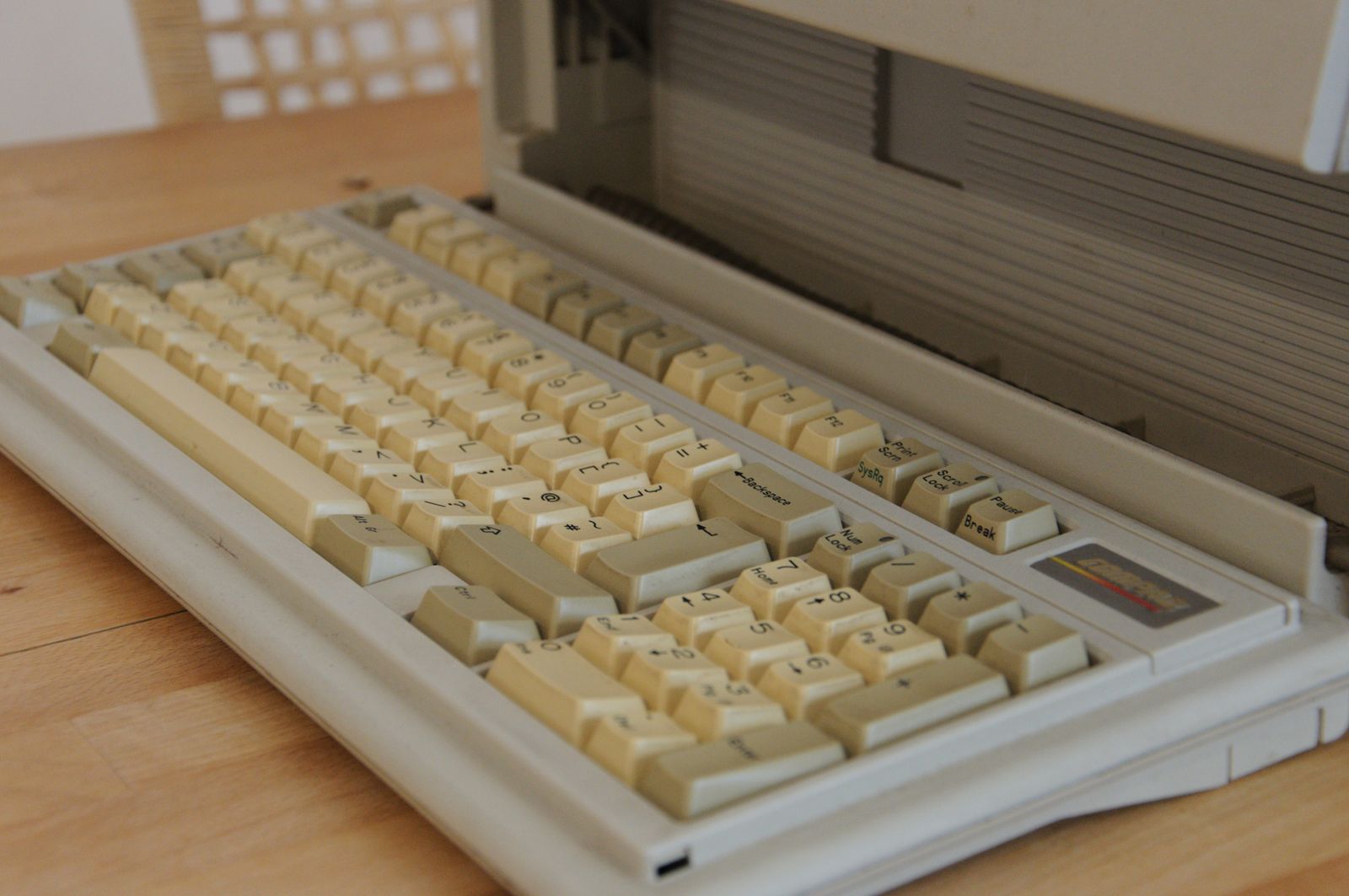
There is no fixed age at which a computer has to go. We look after six-year-old desktops that run well and two-year-old laptops that are already a problem. Instead of age, we look at four things when a client asks whether it is time.
Does it still get security updates?
This is the one that decides it. When the manufacturer stops sending security updates for the operating system, the computer becomes a weak point for the whole office network. Plan the replacement a few months before that date, not after it.
How much time does it waste?
A computer that takes five minutes to start, freezes during video calls or struggles with the files your work needs is costing money every day. Five minutes a day is more than twenty hours a year. For most offices, that is more than the price of a new machine.
Would the repair be worth it?
A new battery, more memory or a faster drive can give an older machine two or three more good years, and these upgrades are often inexpensive. A failing motherboard or a cracked screen on an old laptop usually is not worth fixing.
Our rule of thumb: if a repair costs more than a third of a comparable new computer and the machine is over four years old, replace it.
Spread replacements out
Replacing every computer in the same year makes for a painful budget. Most of our clients replace a quarter of their machines each year, so the cost stays steady and nobody is left with the oldest one for too long.
We keep a list of every device, its age and its warranty date for each office we look after, and flag the ones to budget for at the yearly review.