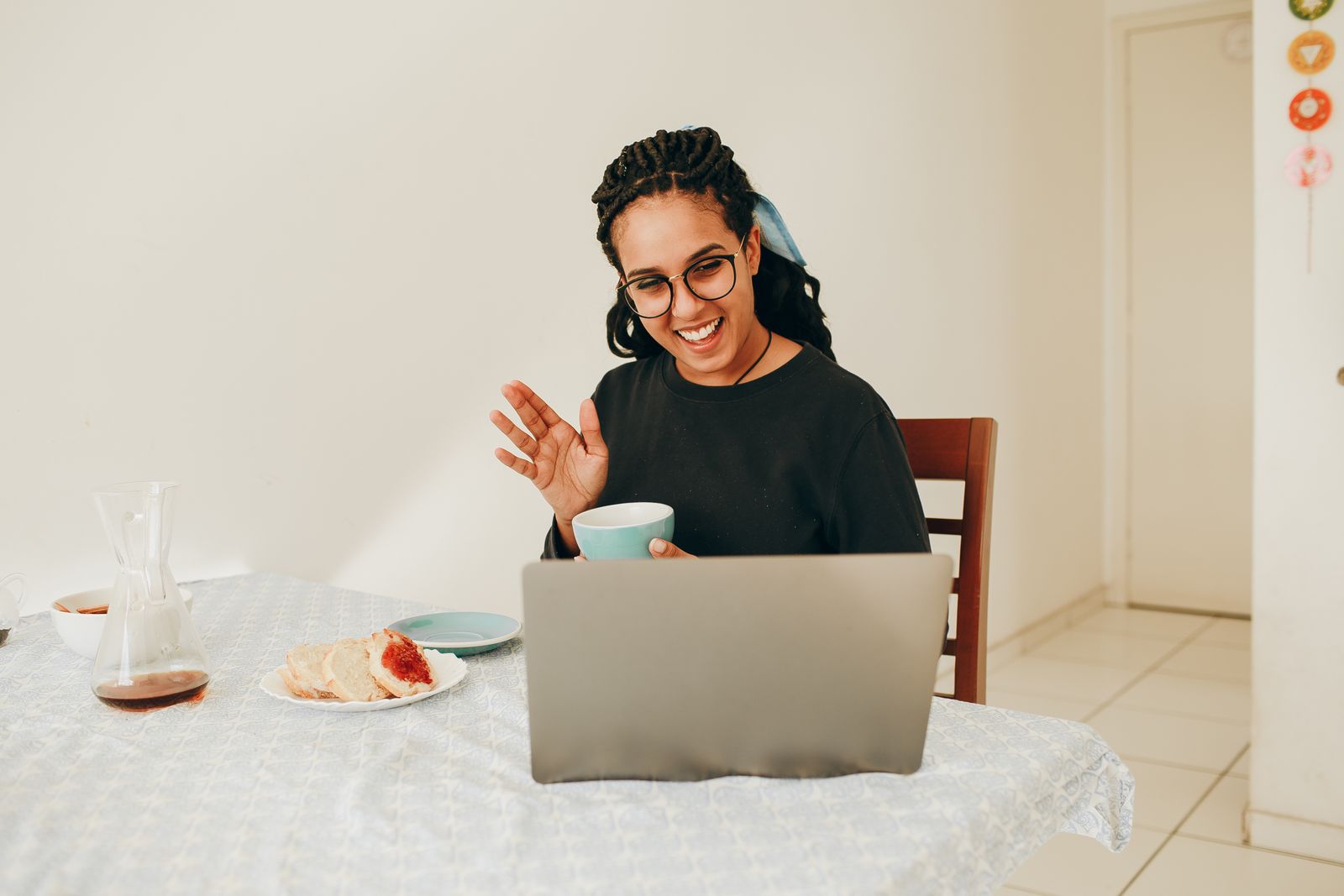
Many of our clients meet their dietitian by video, from home, the office or a parked car on a lunch break. Telehealth sessions follow the same structure as visits in the studio, and a little setup helps them run smoothly.
Before the day
When you book, we email a link to our secure video platform and a short intake form. You do not need to install anything on most computers; on a phone or tablet you may be asked to download a free app. Open the link once before the session to check your camera and microphone.
Telehealth sessions are available to clients located in Wisconsin at the time of the session. If you will be travelling, tell us when you book.
Choose your spot
Pick a quiet place where you can talk privately for an hour. Headphones help if others are nearby. Good light in front of you, not behind, makes it easier for us to see you.
If you can, sit near your kitchen. Many clients like to show us their pantry, a favourite pan or the lunchbox they pack each morning. It turns general ideas into ones that fit your space.
Have these within reach
Keep a glass of water, a pen and paper, and anything you wanted to show us. Plug in your device or charge it fully, because a video call uses more battery than you might expect.
If the connection drops
It happens. Rejoin with the same link, and if that fails, we call the phone number on your booking and continue by phone. A session cut short by a technical problem is never charged as a full session.
This article is general information, not medical advice. Call us to talk about your situation.