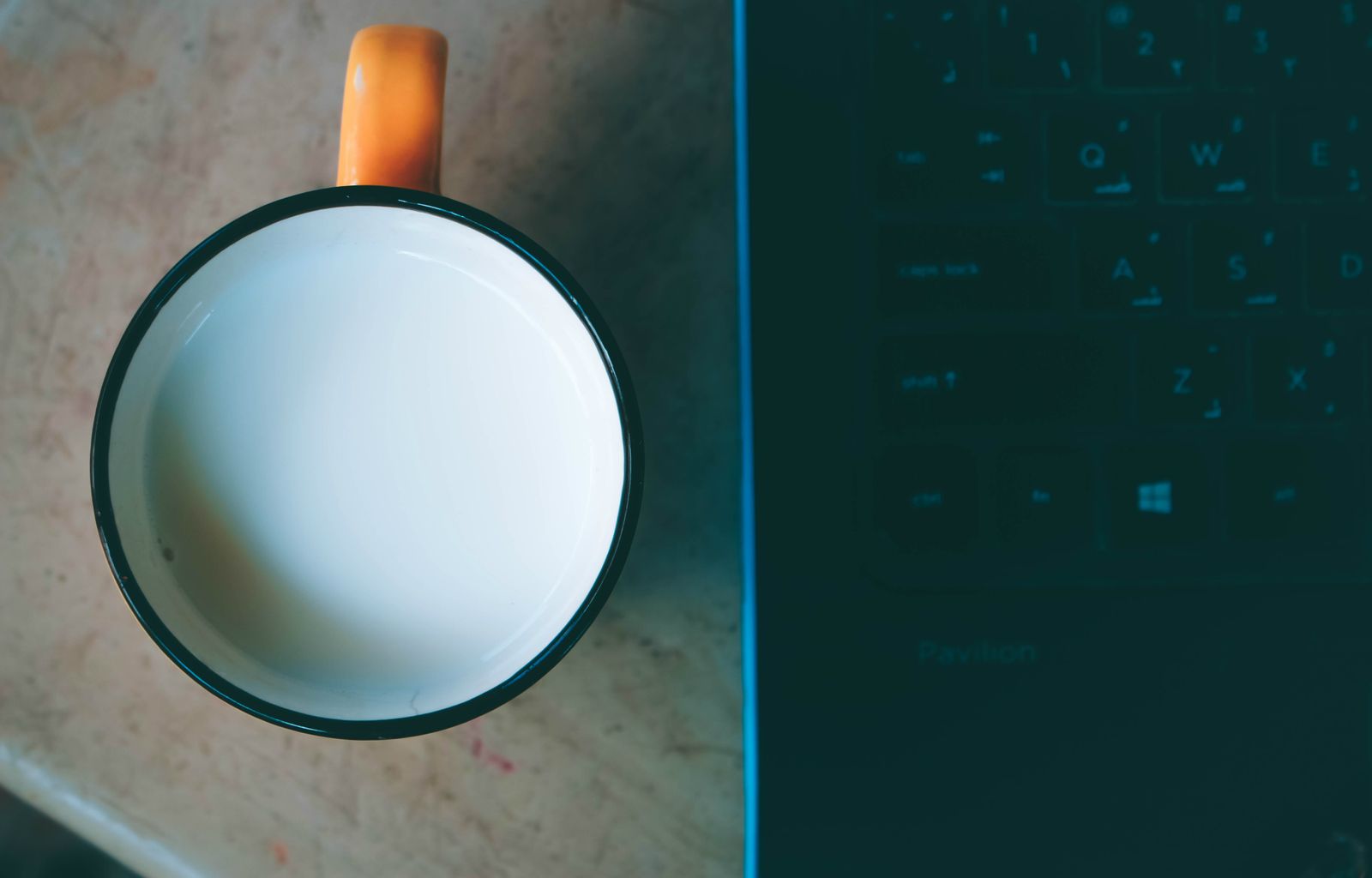
A spill does not have to mean a dead laptop. What you do in the first few minutes matters more than anything we do later. Liquid on its own is rarely the problem; electricity flowing through it is.
Switch it off now
Do not save your work and do not shut down normally. Hold the power button until the screen goes dark, then unplug the charger and anything connected to the USB ports.
If the battery can be removed, take it out. Most modern laptops have a built-in battery, which is one more reason to switch off quickly.
Tip it and let it drain
Open the laptop as wide as it goes and turn it upside down in a tent shape on a towel, so the liquid runs out of the keyboard instead of down into the board. Wipe what you can reach with a soft cloth.
What not to do
Do not use a hair dryer: the heat can damage parts and push liquid further in. Do not shake it hard and do not try it again after an hour to see if it works.
Rice does not help either. It does not draw liquid out of a closed laptop, and grains and dust can get into the ports.
Bring it in
Sugary drinks, coffee with milk and beer leave a sticky layer that corrodes the board over days, even if the laptop seems fine. We open it, clean the board and check each part before we quote a repair.
We check before we charge, and we always tell you honestly if the repair is worth it. Bring the laptop in as soon as you can, with the charger, and tell us what was spilled and when. The sooner we see it, the more parts we can usually save.